Gladio Mori Controls & Input Setup
Bind keyboard, mouse, and controller cleanly so physics swings go where you intend.
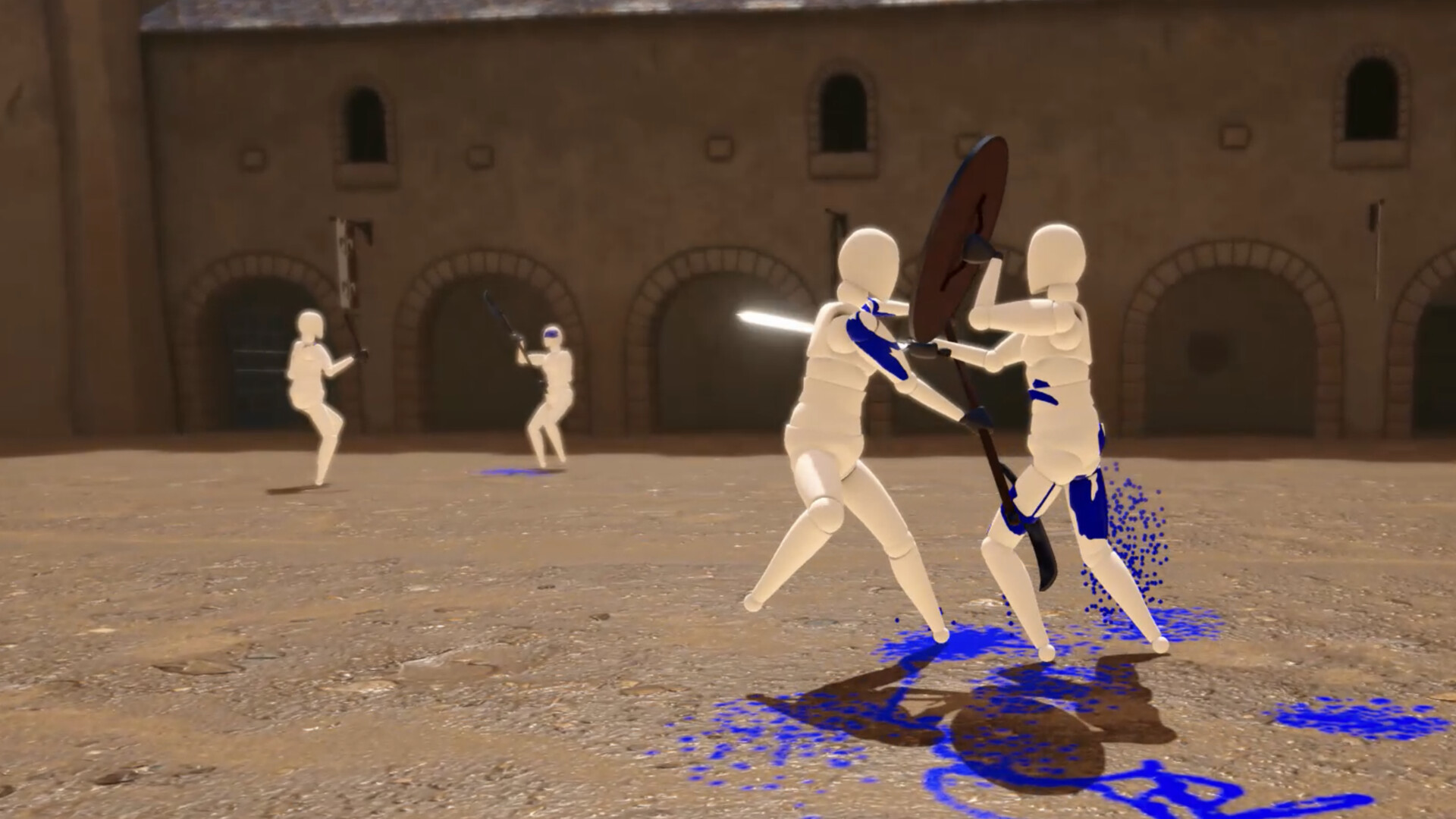
Gladio Mori rewards precise limb and weapon control. Bad bindings turn every duel into accidental self-sabotage. This guide covers how to approach keyboard-only, keyboard + mouse (KB+M), and controller setups on the 1.0 build across Steam, PS5, and Xbox Series X|S. Inputs are fully rebindable—use that freedom.
If you have not finished onboarding, skim Getting Started first, then return here to lock a profile you will keep for a week of Campaign and Classic multiplayer.
Choose one primary scheme
Pick a primary scheme for competitive play and a secondary for couch sessions.
Keyboard-only
Keyboard-only works when you want discrete, repeatable taps without mouse aim. Dedicate clusters for:
- Movement and stance adjustments
- Primary / secondary attack directions
- Block, grab, or special actions your moveset expects
- Camera modifiers if your layout separates look from move
Avoid stacking attack and menu confirms on the same key. Physics fighters punish accidental inputs more than traditional 2D fighters because a mis-tap can present an artery to a blade.
Keyboard + mouse
KB+M shines when camera freelook and fine aiming help you line edge cuts. Typical pattern:
- WASD (or equivalent) for locomotion
- Mouse for look / aim assistance depending on options
- Side mouse buttons for block or contextual actions
- Number row or nearby keys for equipment / moveset hotkeys if you use them
Keep mouse sensitivity moderate. Over-sensitive look makes limb tracking harder when you study replays after a fight.
Controller
Controller is excellent for local split-screen and long online sessions. Map:
- Left stick movement, right stick camera (or your preferred alternate)
- Face buttons for primary combat actions your moveset needs
- Shoulders / triggers for block, heavy commitments, or modifier layers
- D-pad for slower toggles (equipment presets, UI, replay tools when unbound elsewhere)
Console players on PS5 and Xbox should verify that any platform-specific accessibility or button remapping outside the game does not conflict with Gladio Mori’s in-game binds.
Rebinding workflow that actually sticks
- Open the binding screen before your first Campaign fight.
- Clear conflicts—two actions on one input will betray you mid-swing.
- Bind high-frequency actions to the most comfortable fingers.
- Bind low-frequency actions (replay jump, camera mode) farther away.
- Play one Easy campaign bout. If you fat-finger twice, rebind immediately—do not “get used to—?a bad layout.
- Save / note the profile if you switch devices often.
The move editor surfaces controller input icons in its UI and can update a move’s layer when input type changes. If you author movesets, keep your play binds and editor listen-binds coherent so recording gestures matches match inputs. See the move editor guide.
Combat-oriented binding principles
Gladio Mori has no health bar. You fight through organ damage: weaken muscles, open arteries, pierce vitals, or dismember. Your binds should favor controlled commitments over panic flurries.
- Put your most reliable defensive input where you can hit it under stress.
- Separate “big swing—?from “probe—?if your moveset distinguishes them.
- Ensure you can break camera or open the menu without dropping block habits.
- For dual-wield or weapon-and-shield loadouts among the ~34 weapons and 3 shields, confirm you can switch focus without claw grips that tire in four-player lobbies.
Menus, lobbies, and replay tools
Multiplayer hosts manage Classic / Creative / Limitless lobbies with up to four players, cross-play, and optional tournament round targets. You need clean menu navigation while someone is inviting from another platform. Read multiplayer for mode rules; here, just make sure confirm, back, and scoreboard / lobby keys are not fighting combat binds.
Replay tools matter for learning. Bind timeline jump forward/back and camera mode previous/next to keys you will remember after a loss. Watching where a blade edge actually traveled teaches more than another blind rematch.
Local split-screen considerations
Local play supports up to four with AI fill. Controllers are the sane default. If one player uses KB+M on the same machine, seat them carefully so keyboard hands do not bump the second player’s pad cable or view. Spectator camera can activate when a local player dies while the round continues—know how to reclaim control when you respawn or the next round starts.
Accessibility and comfort
- Lower camera shake / adjust UI volume if available so audio cues remain useful.
- Toggle character model or material options if performance or readability suffers on your hardware.
- Take breaks; physics sessions invite over-grip tension in hands and shoulders.
Practice checklist
- Primary scheme chosen and conflict-free
- One Campaign fight completed without accidental menu opens
- Replay shortcuts tested after a kill
- Secondary scheme noted for couch play
- Move-editor listen binds verified if you create content
When binds feel invisible, return to Getting Started for the wider roadmap, or jump into Campaign and Classic multiplayer to stress-test the layout. For community nights and bind discussions, the official Discord is active.
Good controls will not win fights alone—but bad controls will lose them before the first artery opens.
Frequently Asked Questions
Quick answers to the most common Gladio Mori questions.
Can I use keyboard-only in Gladio Mori?
Yes. Keyboard-only, keyboard + mouse, and controller are all supported, and bindings are fully rebindable.
Should console and PC players share the same layout ideas?
Core actions are the same across Steam, PS5, and Xbox. Mirror muscle memory where you can, but respect each platform’s face-button and guide-button differences.
Why rebind before Campaign?
Campaign is the safest place to discover conflicts. Fixing binds mid-multiplayer lobby wastes everyone’s time and costs rounds.
Do move editor binds matter for normal play?
Only if you create or edit movesets. Creators should align listen/input type settings with the scheme they fight with so recorded moves feel natural in matches.