Gladio Mori Mods & Community Content
Use the in-game mod.io gallery for weapons, armor, arenas, movesets, and skins—without breaking lobbies.
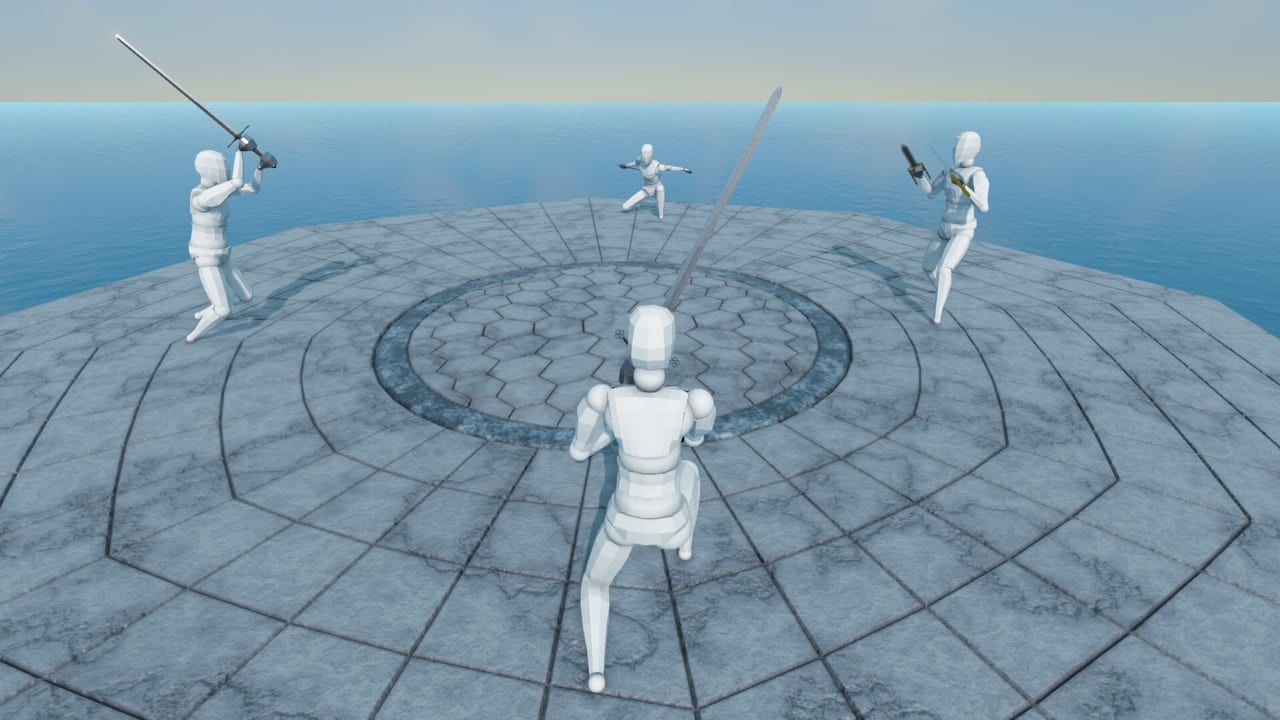
Gladio Mori treats community creation as a first-class feature. Through mod.io integration and the in-game mod gallery, players on Steam, PlayStation 5, and Xbox Series X|S can browse and load community weapons, armor, arenas, movesets, skins, and related content. This guide explains how to use mods sanely in 1.0 so your multiplayer nights do not collapse under version conflicts.
If you are still learning stock organ combat, finish Getting Started and some Campaign first. Mods are spice, not the meal.
What mod.io unlocks
Official messaging and patches highlight support for packs that include:
- Arenas —?new spaces beyond the base six
- Weapons —?additions alongside the ~34 stock arms, shields, and unarmed options
- Armour —?extra pieces beyond the ~17 equippable stock items
- Movesets —?companions to the move editor and gallery
- Skins —?character paint jobs; PC players can also edit downloadable skin templates in external image tools
- Advanced packs —?including more technical content depending on platform rules and pack type
Automatic mod loading when a client joins a server helps groups stay aligned—when versions match. When they do not, joins fail and hosts get conflict feedback.
In-game gallery workflow
- Open the mod gallery from the main menu flow
- Browse by type (weapon, arena, skin, etc.)
- Subscribe / enable only what you intend to use tonight
- Navigate away so packs finish loading cleanly (patches have addressed browser stutter when toggling)
- Verify the content appears in your equipment or arena lists
- Test in a solo or local session before Creative lobbies
Keep a stock profile and a modded profile mentally (or via presets) so you can return to Classic purity quickly.
Console players get creation too
A major point of Gladio Mori’s full vision is that consoles are not locked out of the fun. PS5 and Xbox players can download community skins, movesets, maps, and more from mod.io inside the game. Cross-play means a console fighter can meet a PC host in a modded Creative lobby—?if* everyone agrees on the stack.
Version discipline (the real skill)
Most “mods ruined our night—?stories are version stories.
- Agree on a pack list in Discord or chat before hosting
- Update or disable outliers when the host reports a conflict
- Prefer fewer, well-tested packs over twenty novelty weapons
- After game patches, re-check that popular mods still load
Hosts should name lobbies with “modded—?or “stock—?so strangers know what they are joining.
Movesets vs full mods
Custom movesets from the editor/gallery and mod.io weapons/arenas solve different problems. You can play Creative with custom animations on mostly stock gear, or run wild weapons with relatively stock movement. Mixing both is powerful and harder to debug. When something feels broken, disable half the stack and bisect.
Skin-only packs are usually the safest social addition—identity without rewriting hurtboxes—though you should still confirm platform permissions and pack integrity.
Safety, fairness, and etiquette
- Do not silently enable advantage mods in a tournament checkbox series
- Label experimental physics packs honestly
- Respect creators; follow pack pages for usage notes
- Keep NSFW or disruptive content out of mixed community nights unless the lobby opted in
- Remember organ damage still rules: a joke weapon that cannot present an edge still has to obey anatomy and armor coverage (damage system)
Performance and stability tips
- Enable heavy arena packs on capable hardware first
- If joins stutter, reduce simultaneously toggled mods and retry
- Keep an eye on DLL or advanced packs on PC; prefer well-reviewed uploads
- After failures, relaunch before assuming the game itself regressed
Learning path with mods
Week 1 of ownership: zero mods, Classic + Campaign. Week 2: one skin pack + one community moveset. Week 3: one weapon or arena pack in a private lobby. Only then run public Creative with a published stack.
Use the tier list hub for stock opinions; treat modded “tiers—?as lobby-specific house rankings.
Creator side (short)
If you build packs, test on a clean profile, document dependencies, version clearly, and watch feedback channels after game patches. Pair weapon drops with recommended movesets when the stock kit feels wrong. The mid-article video gives a visual tour of community content expectations—watch it before your first subscribe binge.
Quick reference links
- Guides Hub —?all how-tos
- Multiplayer —?Classic / Creative / Limitless + cross-play
- Move Editor —?authoring animations
- Controls —?rebinds before modded chaos
- Official community: discord.gg/BV8gqwqZUV
mod.io is how Gladio Mori stays alive between roster drops. Use it deliberately, update together, and keep one path back to stock steel when you need to remember why arteries matter.
Frequently Asked Questions
Quick answers to the most common Gladio Mori questions.
Is mod.io available on consoles?
Yes. PlayStation 5 and Xbox Series X|S players can access community content through the in-game gallery alongside Steam PC.
What kinds of mods can I download?
Common categories include arenas, weapons, armor, movesets, and character skins, with additional pack types depending on what creators upload.
Why did joining a lobby fail after I enabled mods?
Mod version conflicts can block clients. Match the host’s enabled mods and versions, then try again.
Should beginners install mods immediately?
No. Learn stock Campaign and Classic first so you understand damage and spacing before adding community weapons or arenas.
Are custom skins separate from gameplay mods?
Skins mainly change appearance and are usually safer for mixed lobbies, but you should still keep versions consistent across the group.